Remote Plugins
Remote Plugins are added via the Plugin Loader web interface and connect devices with a Plugin Loader system. The Remote Plugins are connected to the G-Core server via the Plugin Loader connection so that the plugin configuration made in the Plugin Loader web interface is synchronized with G-Core.
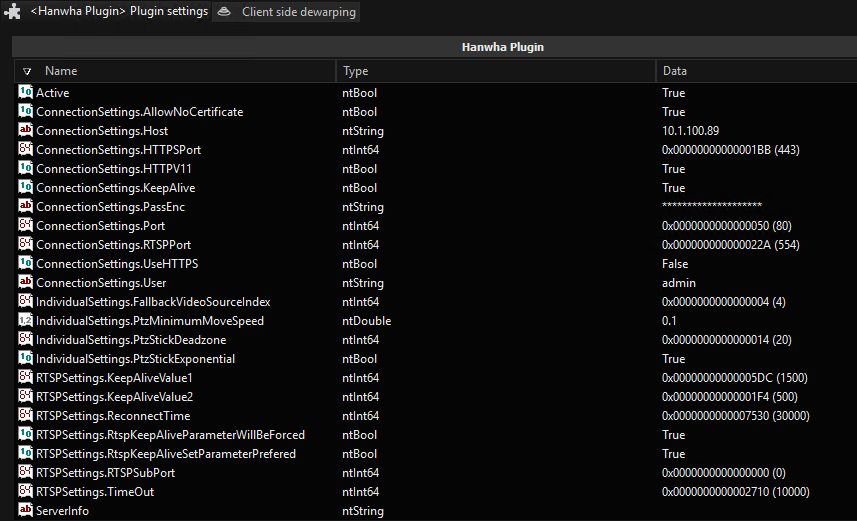
In the Plugin Loader web interface, you can add and configure the Remote Plugins. When you send your configuration to G-Core, the Remote Plugins and associated media channels are automatically added and updated in G-Set. The plugins and media channels have the same naming as in the Plugin Loader.
For detailed information on creating and configuring a Remote Plugin, refer to the Plugin Loader documentation.
IMPORTANT: Do not manually add a Remote Plugin in G-Set and do not make any changes to the plugin settings. The plugin should only be added and changed via the Plugin Loader web interface; in G-Set, you only can activate and configure the fisheye dewarping for the device.